Hi everyone! I’m a relatively new PocketNC user and I’ve been constantly impressed with what this little machine can do ever since I got it. I’ve had so much fun using it for the past couple of months!
As a hobbyist, however, I can’t justify (or afford) the very expensive software required to take full advantage of the machine’s simultaneous multi-axis capabilities. A few weeks ago I decided to try to create a small app for generating toolpaths myself, to see how feasible it was.
At this point, I want to share my progress and gauge the interest from other PocketNC users. Would you be interested in a small tool like this? If I work towards making it public, I will charge a one-time fee for it.
Currently, the app can
Import and position .stl files
Create setups and operations within them
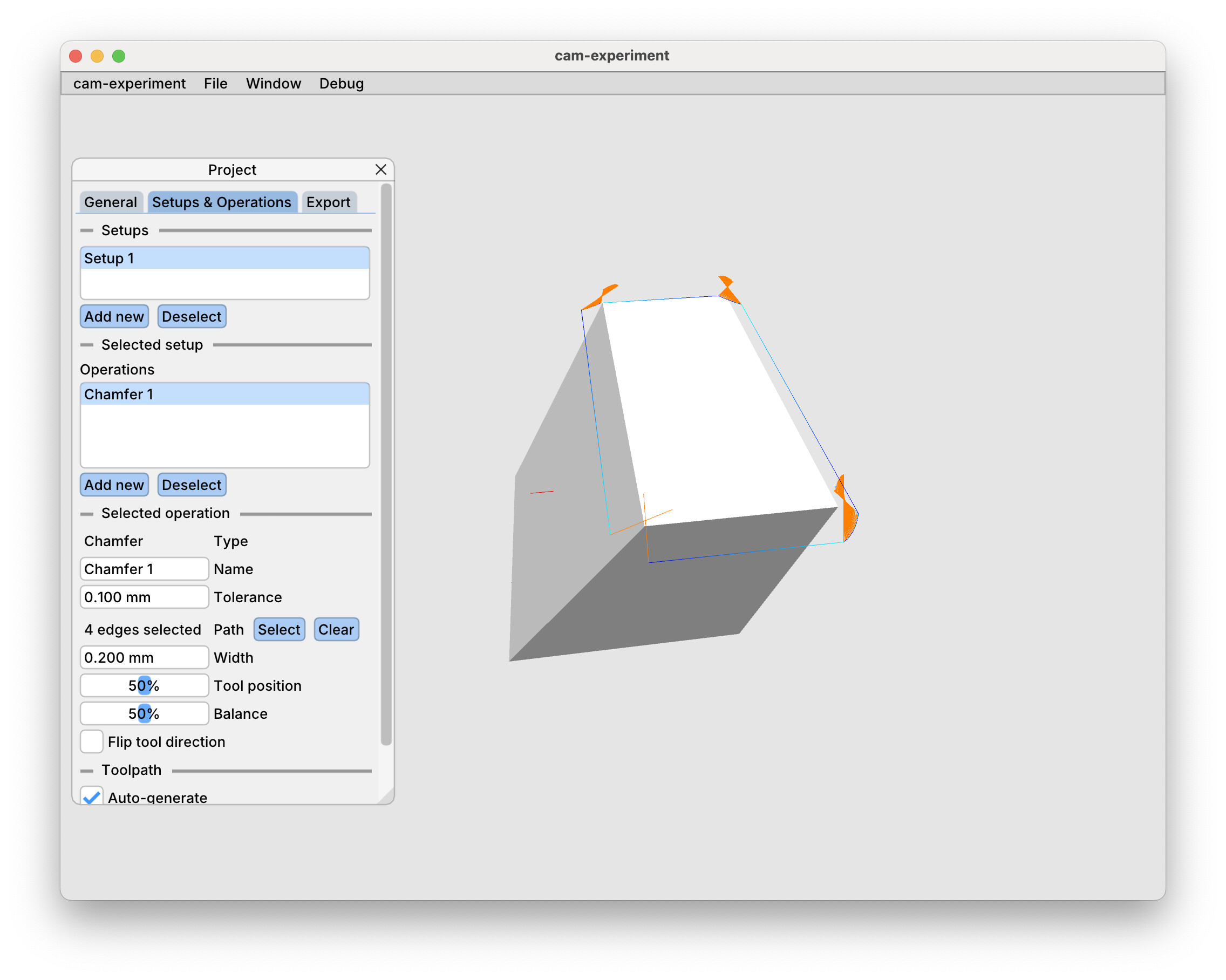
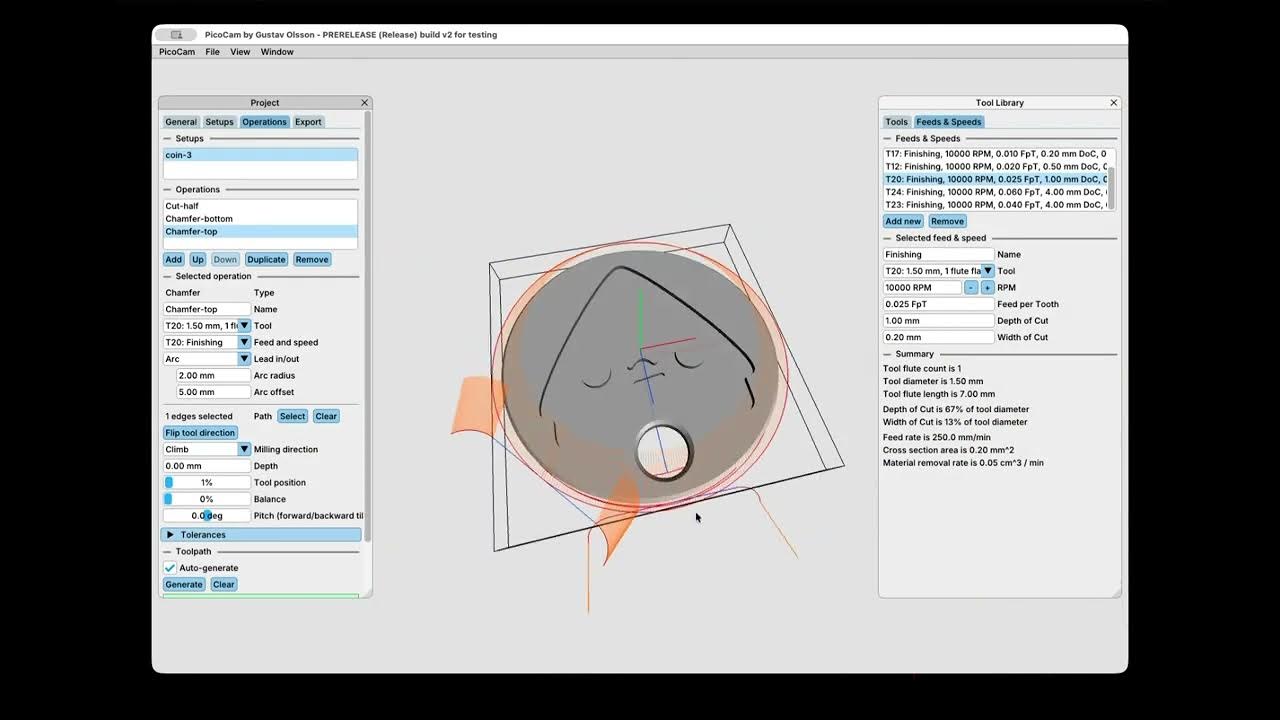
Generate toolpaths for a 5 axis chamfer operation (see videos)
Export toolpaths as G-Code compatible with the PocketNC
In the future I plan to add
A persistent tool library
Ways to set the Zero point on stock/model
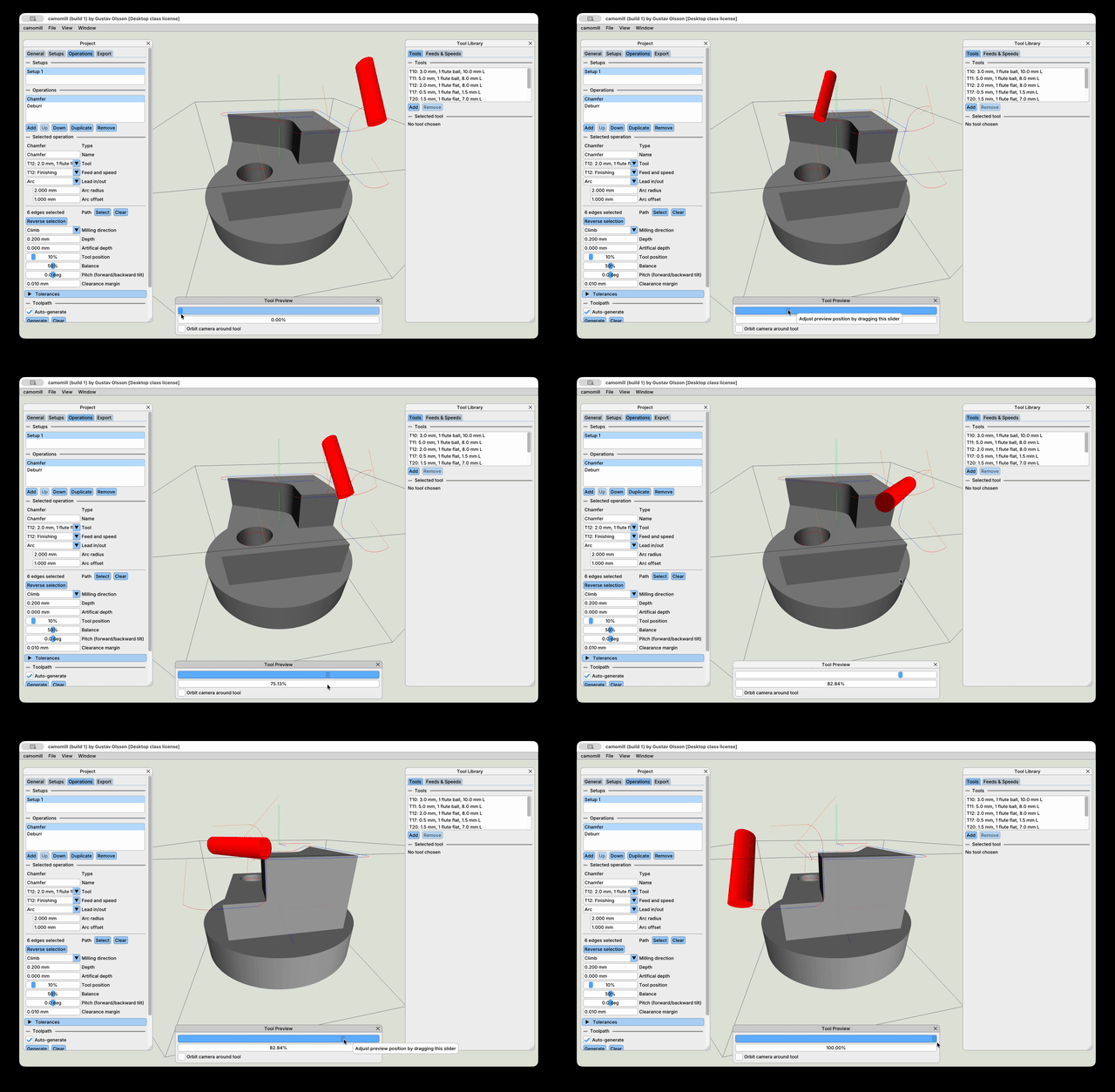
Simple toolpath simulation
Collision detection between tool/holder and fixtures
More operation types (I’m particularly interested in 4th axis rotary next)
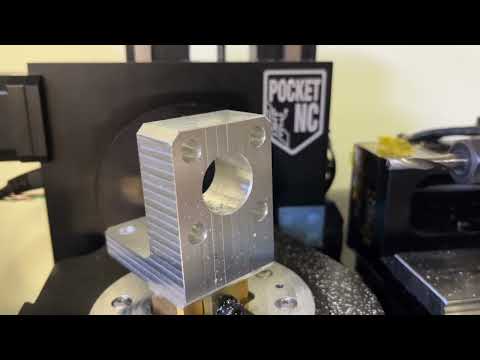
Here are 2 videos showing generation, export and simulation in the PocketNC simulator:
Toolpath generation/g-code output that reflects the chosen tool/feeds and speeds
A feature that splits a toolpath into multiple to avoid the tool going “upside down” relative to the B-table (see video above)
Things that are left for a minimum viable product:
Support for choosing conventional/climb milling and tool direction
Ability to set zero point to fixed coordinate and point on stock/model
Ability to transform and set pivot for imported 3d models to make them easier to align in the case the zero point is machine zero
Stretch goals:
Simple toolpath simulation
Collision detection between tool/holder and fixtures
Time wise I might be able to have an alpha version up before summer, but the more realistic time frame is to have a more polished product out in the fall. Again, let me know if you think this is interesting and would consider buying it. I’m thinking ~$100 for the basic app with the chamfer operation, and raising the price as I add more features and operations to it.
Here’s where I’m at currently. I’m approaching a public release.
Since last time, I’ve added:
Ability to choose milling direction (conventional/climb)
Ability to set zero point to fixed coordinate, point on stock or point on model
A Deburr operation for cleaning up edges using a ball endmill
Ability to set the pitch/roll of the tool on both chamfer and deburr operations. This will be useful in the future when collision detection can be used to automatically tilt the tool to avoid colliding with the part as the tool travels along the path.
A simple Pause operation that can be used to position the tool without spinning the spindle to ease material loading to zero point
A simple Cut-off operation that generates a spiral that can be used to part-off a part
Before a public release:
Ability to select edges in any order
Ability to select multiple edges/loops within the same operation
Short term future:
Ability to auto-select all reachable edges from a given direction (will be very useful for the Deburr operation)
Position part within stock (top, center, bottom, with offset, etc)
Multiple passes are generated respecting the depth/width of cut of the selected feed & speed
Current project is saved between sessions
Improved usability w.r.t. edge selections
Much more robust toolpath generation
Consistent tool angle even in tight corners (A 45 degree chamfer on a flat part will now keep the A-axis at 45 degrees throughout the whole operation)
I will be recording a release video in the coming days and intend to update the app with new features down the line. Just let me know if you have any questions!
As you may have seen, I pulled the application again while I wait for clarification on whether or not it falls under EUs export control regulations. I can’t update the above post unfortunately.
I’m adding 3-axis support in the meantime, to be able to release at least something publicly after all this time spent working on the project…