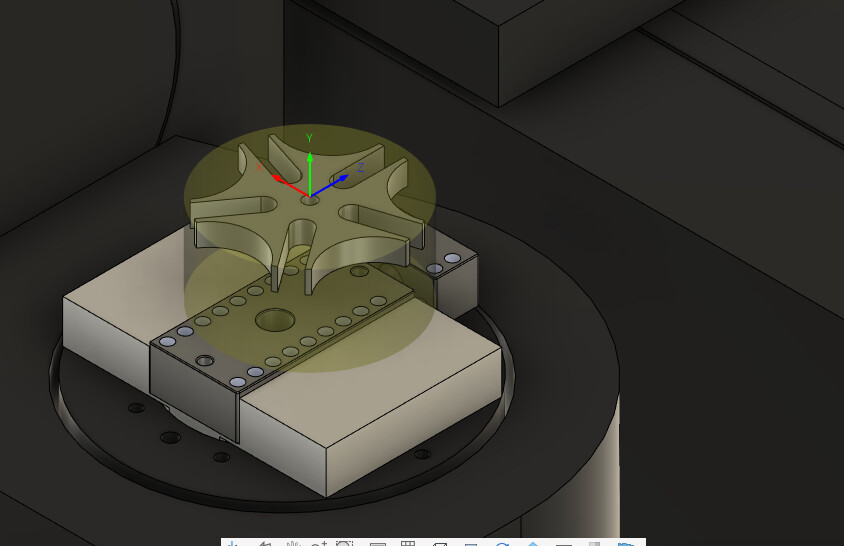
I used fusion to create the toolpaths for a geneva cam. When I plug it into the penta simulator the top of the model is not at the correct distance from the top of the b table. My z movements are wrong. I have tried top of stock, top of model, and bottom of both. Each creates a different z distance problem. I am using the Pocket NC vise to hold the material and used a model of the vise to create the setup for machining. I am at a loss.
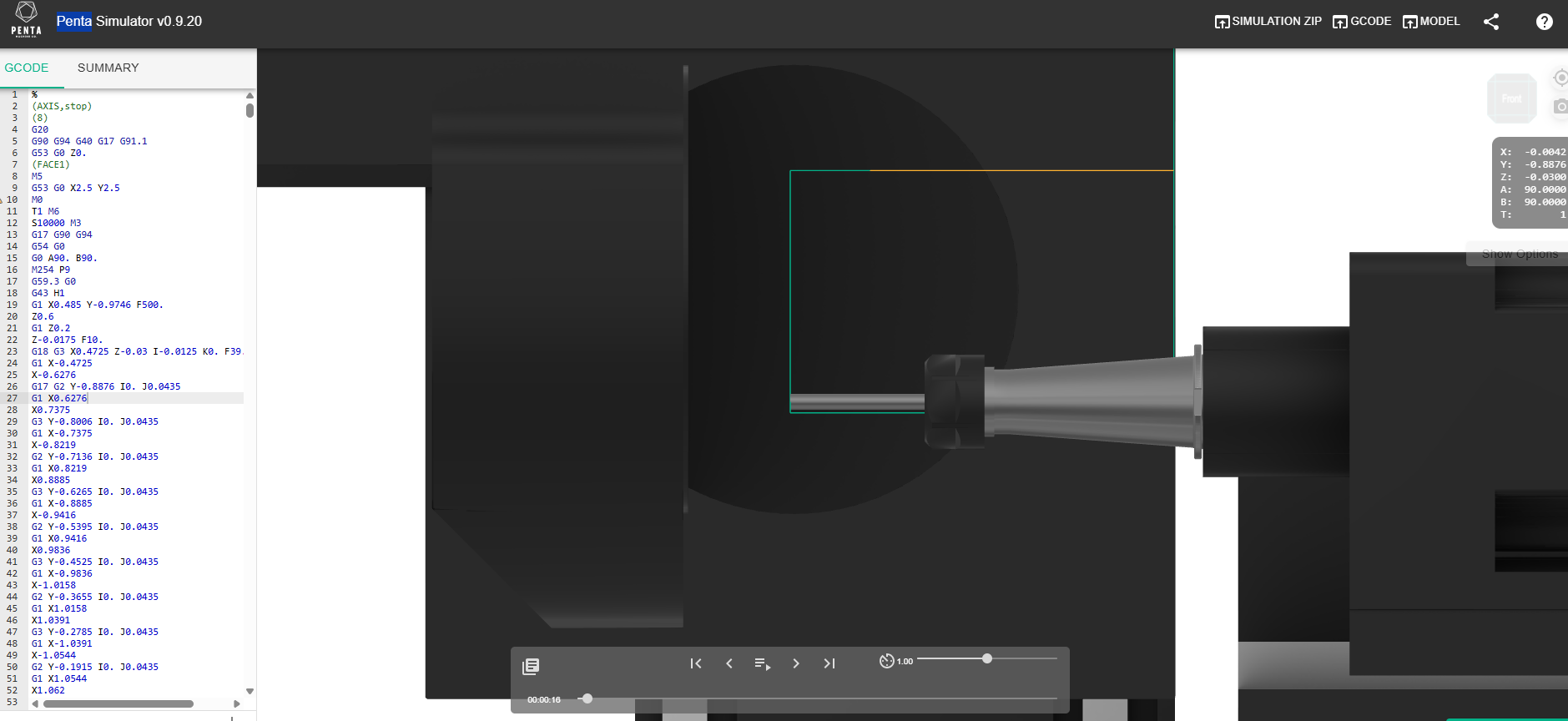
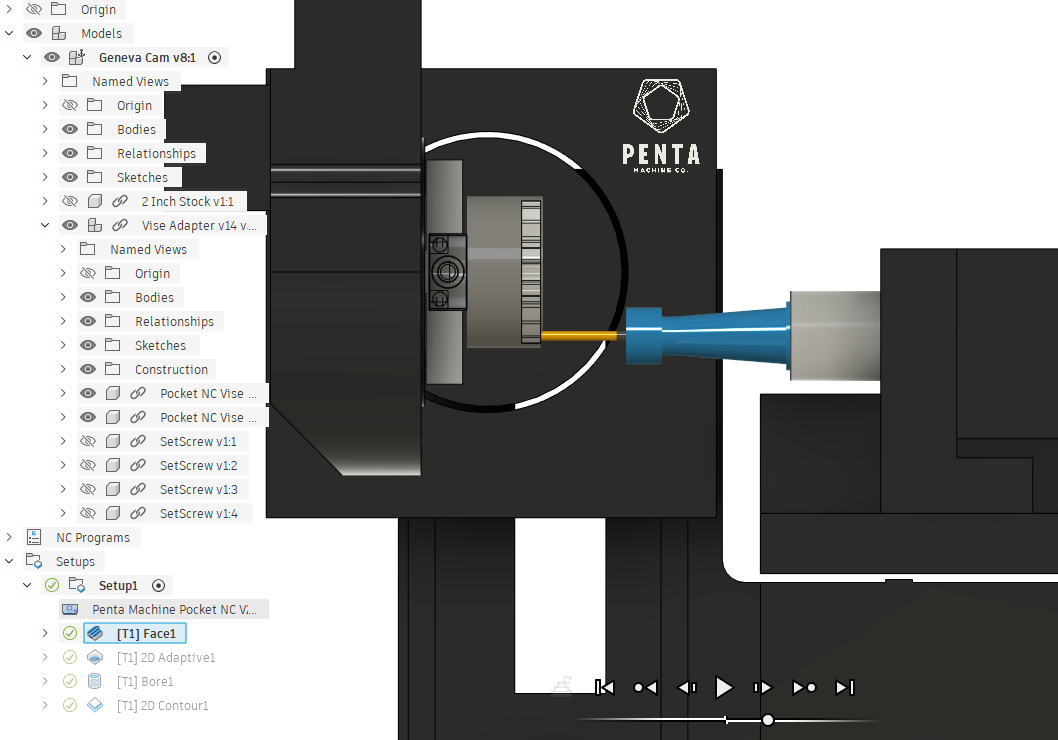
I had the same thing a couple weeks back. I had to zero my machine to the origins of the setup. Then my sim matched the CAM.
You can do this with a piece of paper or by taking the radius of your bit. There’s a tutorial for zeroing the TCPC (https://pentamachine.atlassian.net/wiki/spaces/KCUR/pages/2037383169/Setting+Work+Offsets+in+Kinetic+Control+-+Pocket+NC)
Oh I guess I’m assuming you’re using the kinetic control. If you don’t have TCPC (tool center point control) then you’ll have to zero the origin of the stock to the CAD. I’m assuming this since i have kinetic control and read someone said they have a zeroed fixture setup instead of using TCTP. But I can’t really help beyond that.
Guy
Thank you for your reply. I will look into this.
Here is a link to the Fusion file, i am not sure if it will work. Anyone can download it and take a look. If you see issues or have recommendations let me know.
Hi,
Set your WCS at the upper corner of the stock and same location in each tool operation (under tool orientation-select stock box- select and choose same location as defined in Stock setup). Most important don’t rely on online simulator, the simulator in kinetic control matters. In my files online simulator shows different things in comparison to kinetic control simulator but things goes well on.
Hope this helps.
This topic was automatically closed 30 days after the last reply. New replies are no longer allowed.